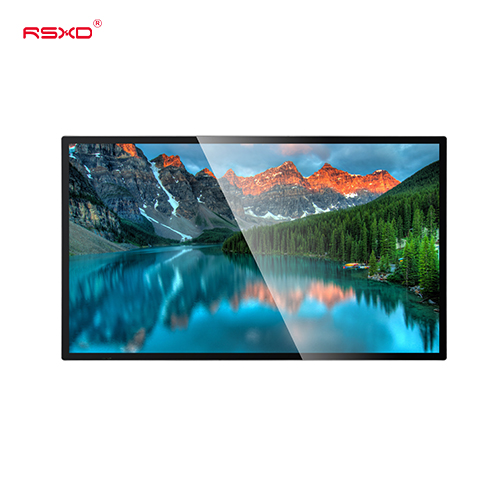
Wall-Mounted LCD Advertising Display
A commercial LCD display that places digital menus, promotions and information on the wall while keeping circulation space open.
Explore the configurationSpace-conscious LCD signage for menus, retail messaging and everyday information. Find the format that belongs in your interior.
Compare the physical format, operating environment and content workflow. Build the specification around the way the display will be used.
View the collectionA commercial LCD display that places digital menus, promotions and information on the wall while keeping circulation space open.
Explore the configuration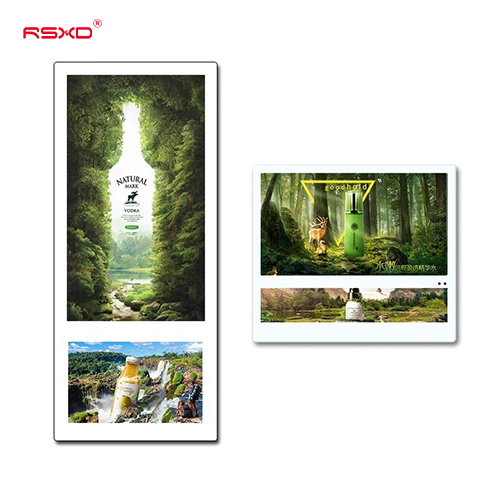
A compact information and advertising format for elevator cabins, lift lobbies and waiting areas.
Explore the configuration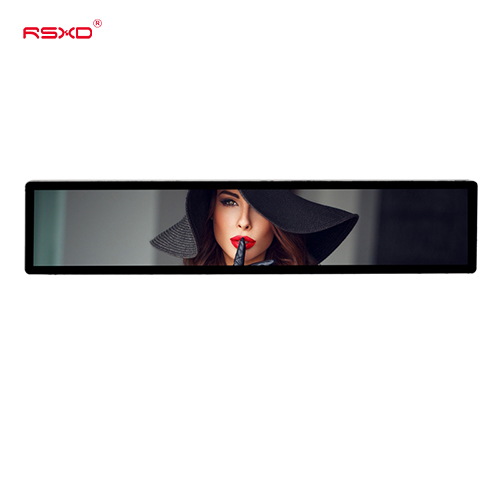
A long, narrow display for shelves, headers and information points where a conventional screen does not fit.
Explore the configurationA display is part of a physical place and an operational workflow. Bring those requirements together early.
Check sightlines, ambient light, installation space, access and the operating environment.
Agree what people see or do, who updates the content and how hardware and software connect.
Approve drawings, model specifications, software scope and the installation and support responsibilities.
Explore planning considerations for common applications. These are deployment guides, rather than claims about completed customer projects.
Build legible digital menus around the customer queue and ordering distance.
Plan this applicationPlace current notices and visitor guidance close to the moment people need them.
Plan this applicationUse stretched LCD formats for concise product information in narrow spaces.
Plan this applicationA clear sequence reduces ambiguity between product selection, integration and site work.
Send location, quantity, use and available space.
Review the panel, system, enclosure and software scope.
Check drawings and a representative configuration.
Agree installation, content access and ongoing support.
Practical guides for specifying and operating your display project.
All resourcesCheck sightlines, structure, cable routing and service access before approving a wall display location.
Create a menu display plan that accounts for queue distance, content changes, screen layout and daily restaurant operation.
Set up device naming, publishing permissions, fallback content and fault records for a multi-location wall signage rollout.
Share the location, application and intended experience. We can review a configuration and the work needed to bring it into use.
Prepare a project inquiry